Available now on Google Play
Play MerjUp on Android
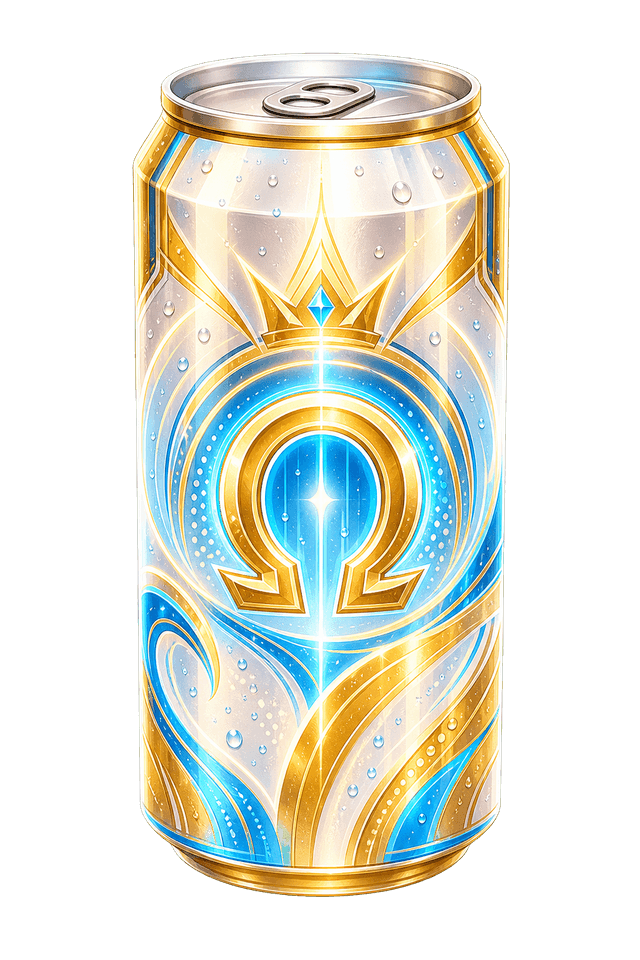
MerjUp is live on Google Play for Android. Use press-slide-release aiming to launch cans, collide matching tiers and build toward Omega across Puzzle, Classic and Survival modes, each with a different objective.
Aim each launch
Press, slide and release in one continuous gesture to set each shot. Precise placement can connect matching cans while leaving space available for later launches.
Three ways to play
Work through 100 Core-recovery levels in Puzzle, chase a timed target in Classic, or test how long your board management lasts in Survival.
Start on Google Play
Follow the Google Play link to view the Android listing and install MerjUp. In a run, matching collisions combine cans and planned chain merges clear more space from the stack.
Use the first runs to learn board control
On Android, start by watching how each can settles after contact. The useful move is not always the fastest match; sometimes the better shot keeps a launch lane open, moves a pair closer together, or prevents the stack from growing into the danger area too early. Treat the first few sessions as practice for judging angles, not only chasing score. If the board gets crowded, aim for the merge that creates the most breathing room rather than the pair that is easiest to hit. That habit makes longer runs easier to repeat.
MerjUp at a glance
Platform
- Platform
- Android
- iOS
Price
- Price
Free to download
Pros
- Pros
- Three distinct game modes: Puzzle, Classic, and Survival
- 100 campaign levels in Puzzle mode
- 8-tier can evolution from Duo to Omega
- Angled launching with press-and-slide aiming
- 10 Puzzle chapters with a Core Fragment to collect in each
- Six power-ups and a friendly guide for first-time players
- Sign in with Google or Apple to keep your progress across phones
- Available on the App Store and Google Play
Legitimacy
- Legitimacy
MerjUp is developed and published by Xelabyte Studios LTD and is available through the App Store and Google Play.